
Present like a pro
Live presentation and worship software for churches, schools, business presentations, and concerts.

Events should connect, inspire, and transform audiences. Our powerful suite of live production, presentation, and content tools are perfect for churches, concerts, sporting events, and more.


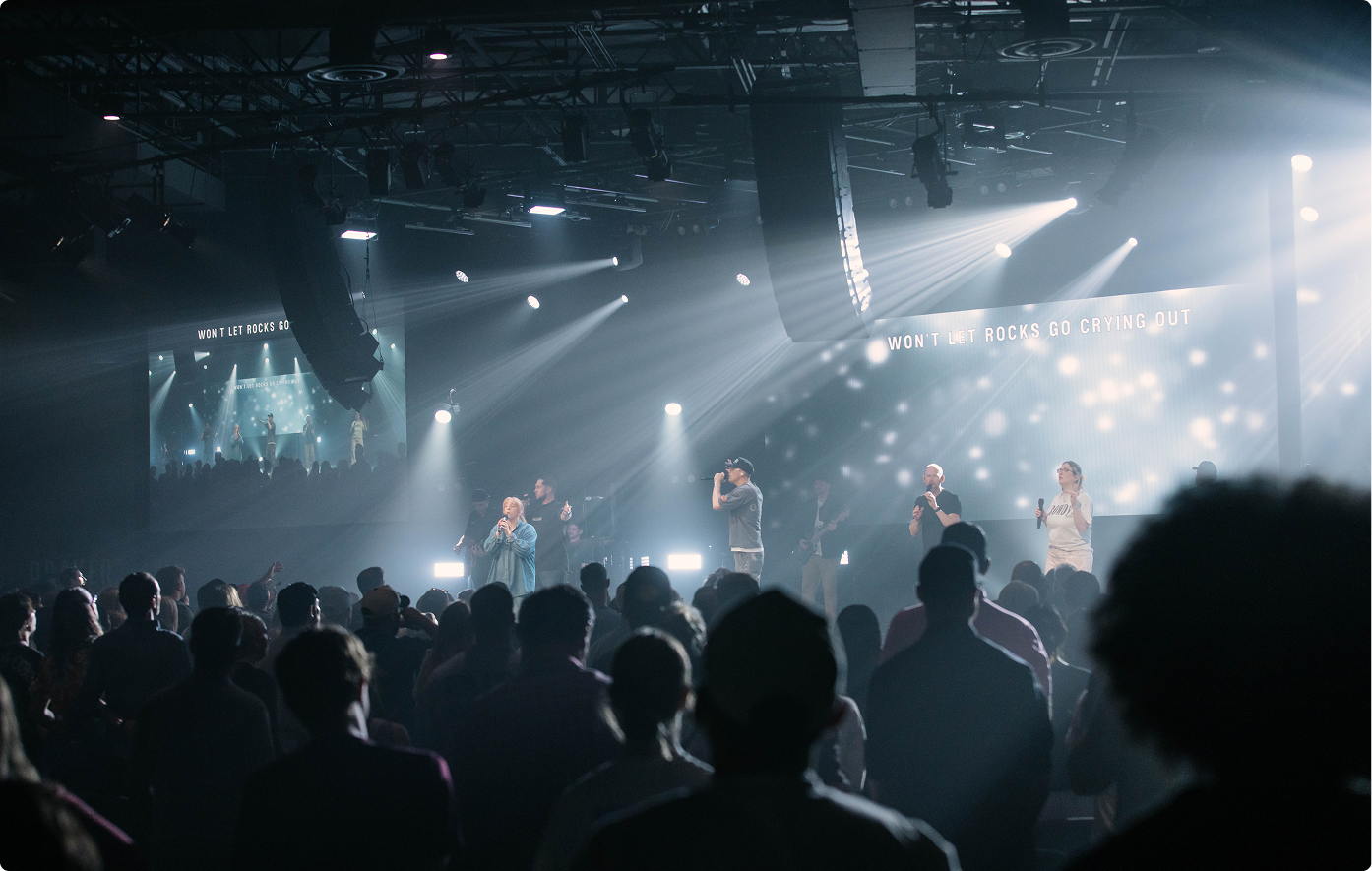
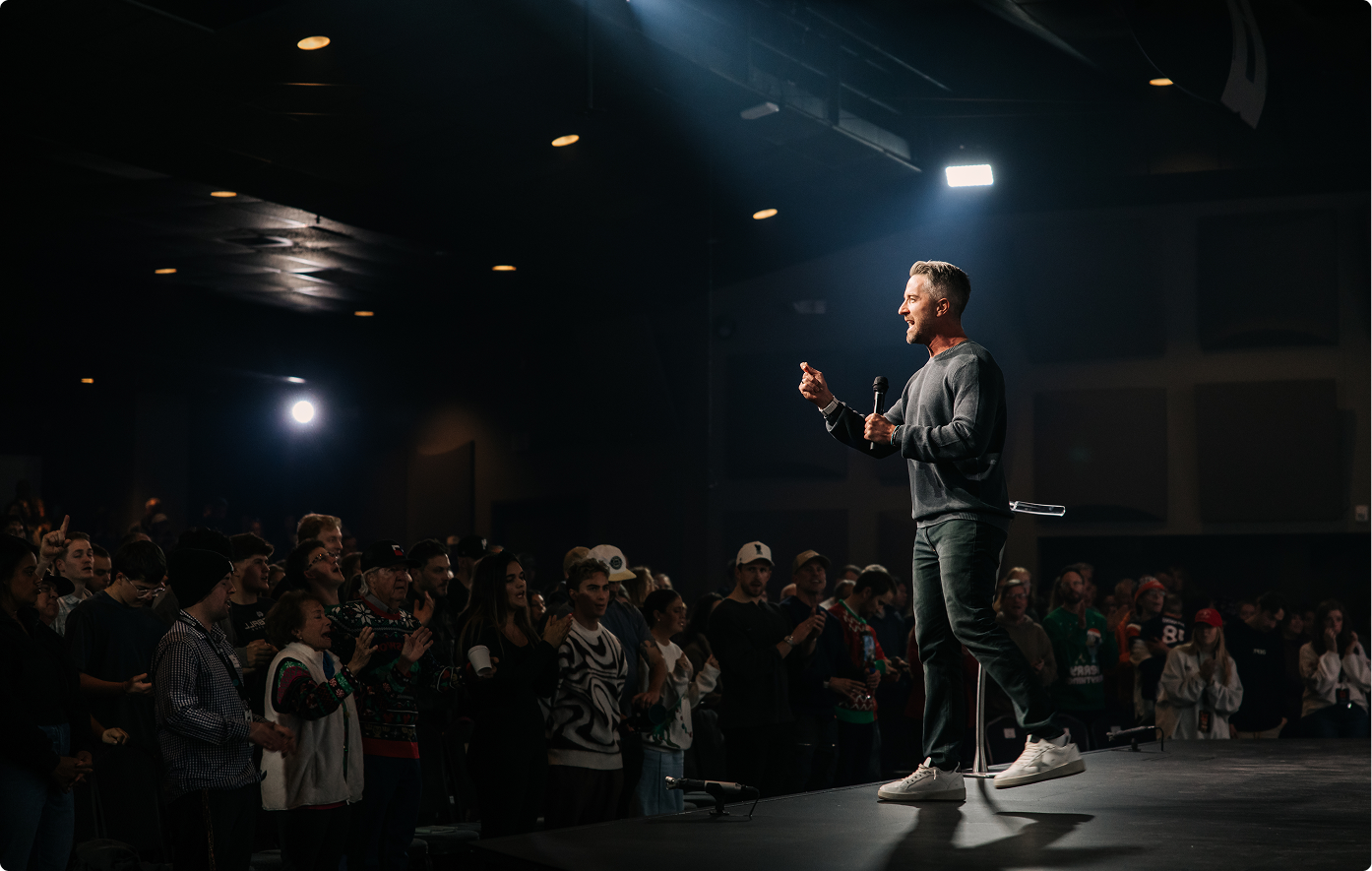


Designed to handle the most demanding productions, our software is user-friendly, making it perfect for volunteers and staff.
Download any of our products for free and see for yourself!
Live presentation and worship software for churches, schools, business presentations, and concerts.




.webp)




.webp)


Get unlimited access to over 50,000 stunning visuals from majestic aerial to modern motion graphics — all integrated with ProPresenter for a seamless workflow.
Put the right content on screens in any room — the kids' room, the lobby, the hallway — without needing the tech team. Build it once, schedule it, and it just plays on any screen.

.avif)

Advanced multi-screen media server designed to play back and manipulate video across one or more screens.


Comprehensive scoreboard software that’s easy to use and affordable for any LED wall.
Renewed Vision software is built to serve a wide variety of industries.


.avif)


We understand your needs because we share them. We're live event people, building software for live event people. For over 20 years our focus has been on:
We build our software with everyone in mind. Each product has intuitive interfaces designed for smooth operation.
Our dedicated support team is always here to help you succeed, any day of the week.
Every release is pushed through an intense review process for reliability so you can trust the update.
We constantly push boundaries to bring you the latest features. Your needs are evolving, your solutions should too.
Browse our FAQs or our Knowledge base that we’ve made to answer your questions. Need additional help? Connect with a support team agent!
No. Editing on one device is completely independent from what's live on another. You can edit freely mid-service without affecting the output.
Yes — your whole workspace is backed up and can be downloaded to any machine, any time.
Cloud lets everyone on your team work in the same workspace from any computer, with changes showing up on the other machines in close to real time. Your team can build next week's playlist from home, add a slide from the back row without touching the operator's computer, and pick up on a replacement machine if one fails mid-week. Your workspace is continuously backed up, so a computer failure no longer costs you your setup.
Cloud is included with every ProPresenter subscription, along with 50 GB of storage and two Cloud Editor seats. You only pay more if you need additional storage or additional Cloud Editor seats.
Yes. Cloud is optional. You can keep any workspace local, and ProPresenter works the same way it always has.
Every subscription includes 50 GB of Cloud storage, shared across your whole organization rather than split per workspace or per campus. If you need more room, you can move up at any time from your account portal:
Cloud is billed on the same cycle and invoice as your ProPresenter subscription. You can move down at the end of a billing cycle, as long as you're within the smaller plan's limit.
Nothing stops. You keep syncing, and we let you know in the app and by email. You then have 30 days to get back under your limit, either by clearing out media you no longer need or by choosing a larger plan. If you're still over after 30 days, your organization moves up to the next storage plan automatically.
Each computer in your organization uses one of three seats:
Every organization includes two Cloud Editor seats. Additional ones are $5 a month or $29 a year each, added in your account portal. Presenter seats can also work in Cloud workspaces, so you may already have the access you need.
In this first release, anyone signed in to your organization on a computer with the workspace downloaded can edit anything in it. User roles and permissions aren't available yet.
Deleting a whole Cloud workspace is handled in your account portal, and only an organization owner or admin can do it. If your concern is something changing during a service, you can pause syncing on the booth computer.
Nearly everything in your workspace syncs: presentations, playlists, libraries, media, themes, macros, props, timers, messages, and the rest of your configuration. Your screens sync too, meaning how many you have and what they're called.
A few things deliberately stay on each computer:
Yes. You can keep any workspace local and sync others, all on the same computer. Cloud syncs a whole workspace at a time, so if you have content you never want shared, such as a large video archive, keep it in its own local workspace.
For sharing your ProPresenter workspace, yes. Cloud is built to replace file-syncing services like Dropbox, iCloud, OneDrive, and Google Drive, and it replaces Local Sync, which was removed in ProPresenter 22. Those services keep working normally for everything else on your computer.
If you use remote desktop to reach the booth computer from home, you can keep doing that. Cloud gives you another route to the same result, and your workspace is backed up as well.
No. Every computer you work from needs ProPresenter installed and signed in to your organization.
