ProPresenter 7 Show Controls (Audio, Stage Controls, Timers, Messages, Props)
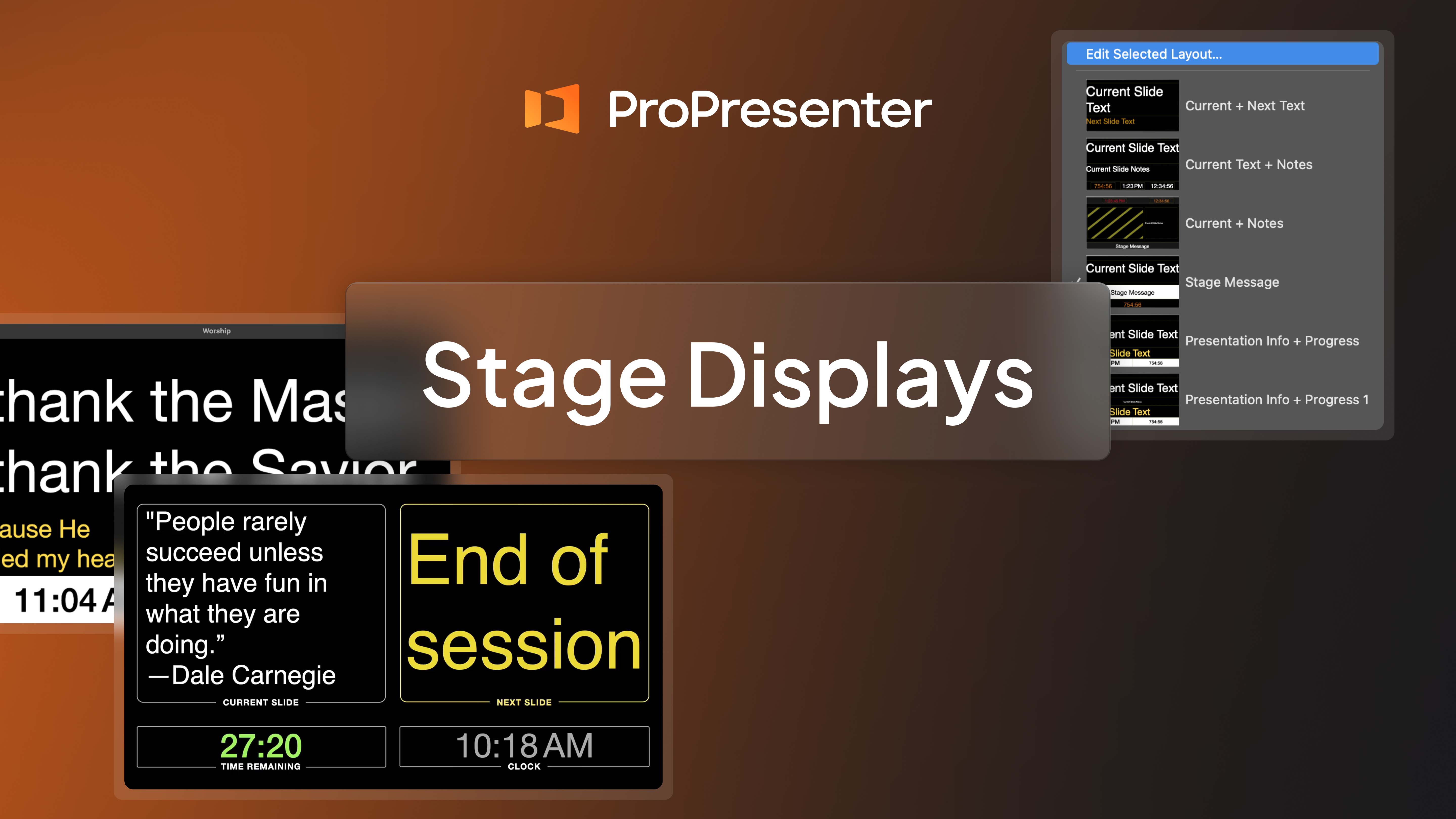
0:00 - Introduction Audio - 0:34 Stage Controls / Stage Messages- 1:40 Timers/Clocks - 4:21 Messages - 7:28 Props - 10:02 View more tutorials and training at: ...

The latest version of ProPresenter is now available. Upgrade or subscribe to access all of the new features.

Browse our FAQs or our Knowledge base that we’ve made to answer your questions. Need additional help? Connect with a support team agent!